| .github | ||
| app | ||
| bin | ||
| config | ||
| db | ||
| lib | ||
| log | ||
| public | ||
| screenshots | ||
| spec | ||
| storage | ||
| swagger/v1 | ||
| test | ||
| tmp | ||
| vendor | ||
| .app_version | ||
| .dockerignore | ||
| .env.development | ||
| .env.template | ||
| .env.test | ||
| .gitattributes | ||
| .gitignore | ||
| .rspec | ||
| .rubocop.yml | ||
| .ruby-version | ||
| app.json | ||
| CHANGELOG.md | ||
| config.ru | ||
| dev-docker-entrypoint.sh | ||
| dev-docker-sidekiq-entrypoint.sh | ||
| docker-compose.yml | ||
| Dockerfile | ||
| Dockerfile.dev | ||
| Gemfile | ||
| Gemfile.lock | ||
| LICENSE | ||
| Makefile | ||
| package-lock.json | ||
| package.json | ||
| Procfile | ||
| Procfile.dev | ||
| Rakefile | ||
| README.md | ||
| yarn.lock | ||

Dawarich
Dawarich is a self-hosted web application to replace Google Timeline (aka Google Location History). It allows you to import your location history from Google Maps Timeline and Owntracks, view it on a map and see some statistics, such as the number of countries and cities visited, and distance traveled.
You can find changelog here.
Usage
To track your location, install the Owntracks app on your phone and configure it to send location updates to your Dawarich instance. Currently, the app only supports HTTP mode. The url to send the location updates to is http://<your-dawarich-instance>/api/v1/points.
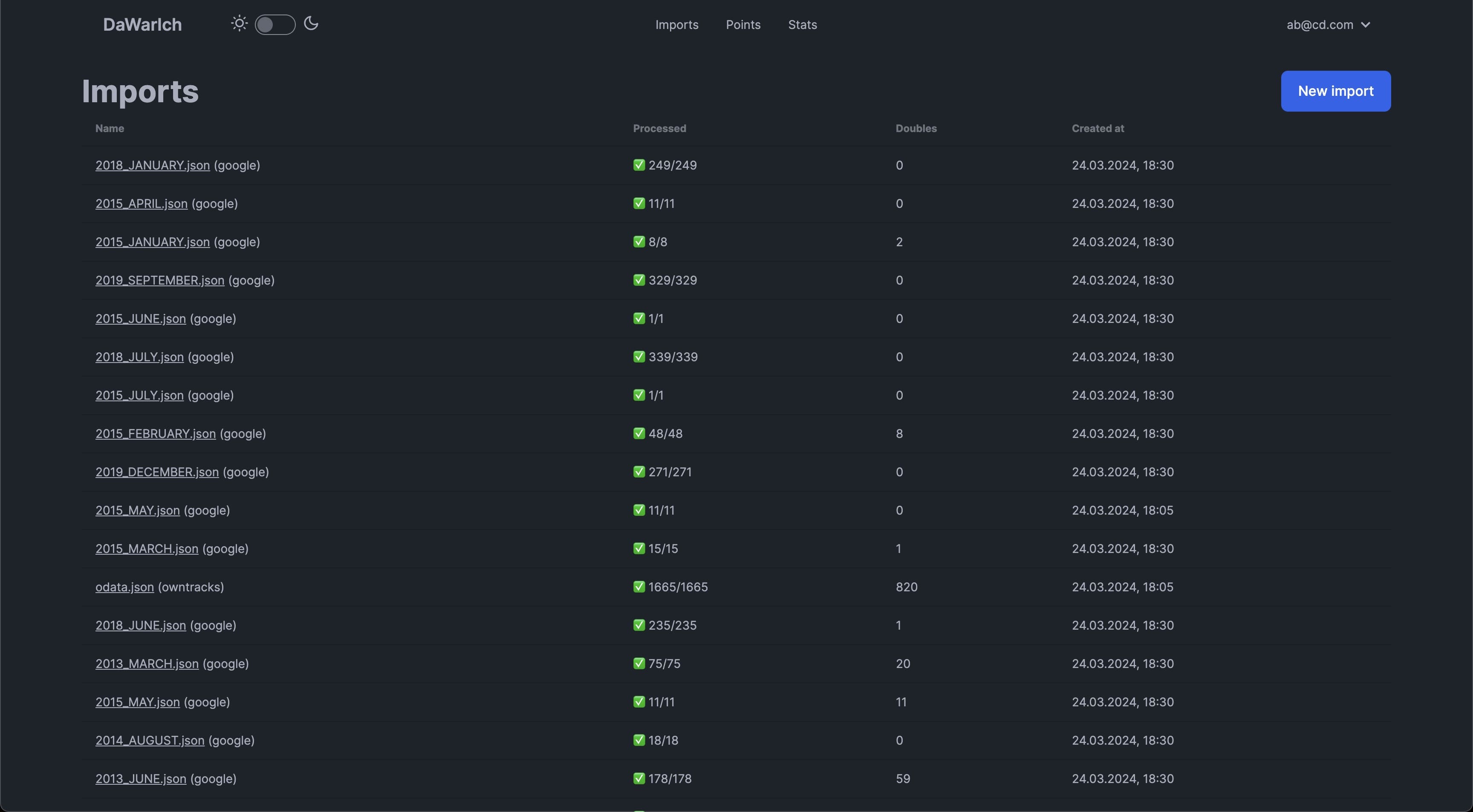
To import your Google Maps Timeline data, download your location history from Google Takeout and upload it to Dawarich.
Features
Location Tracking
You can track your location using the Owntracks app.
Location history
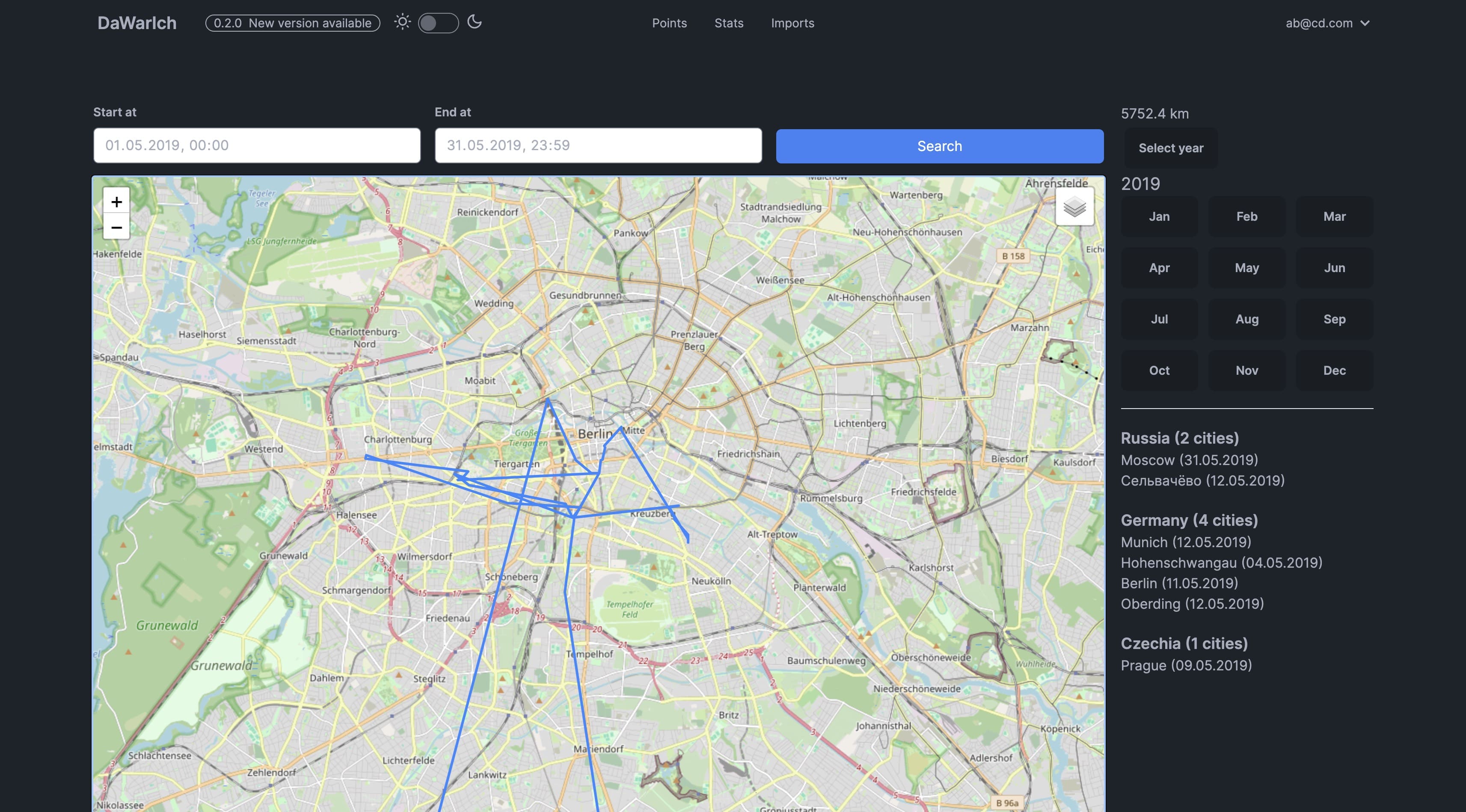
You can view your location history on a map.
Statistics
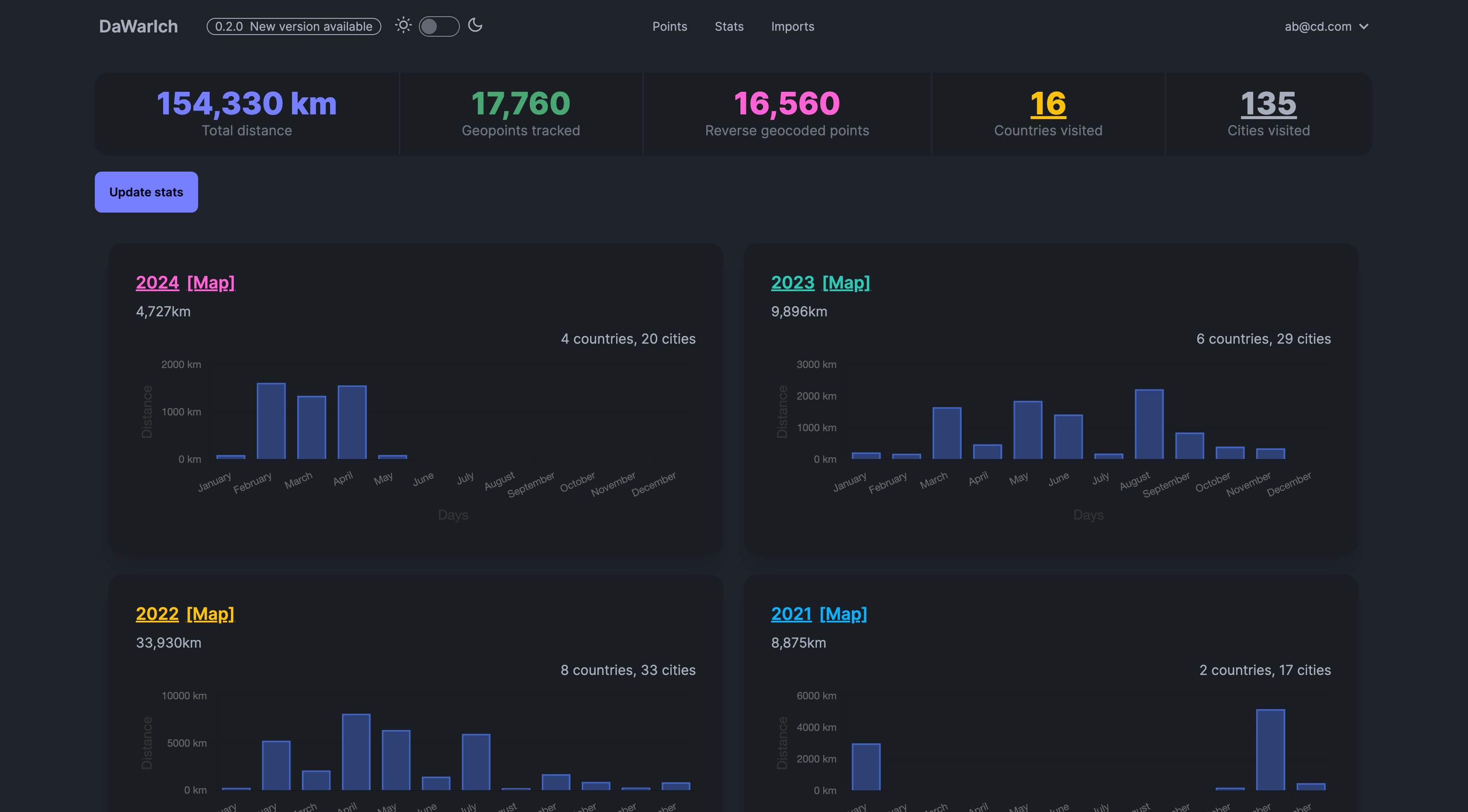
You can see the number of countries and cities visited, the distance traveled, and the time spent in each country, splitted by years and months.
Import
You can import your Google Maps Timeline data into Dawarich as well as Owntracks data.
How to start the app locally
docker-compose up to start the app. The app will be available at http://localhost:3000.
Press Ctrl+C to stop the app.
How to deploy the app
Copy the contents of the docker-compose.yml file to your server and run docker-compose up.
Environment variables
MIN_MINUTES_SPENT_IN_CITY — minimum minutes between two points to consider them as visited the same city, e.g. `60`
MAP_CENTER — default map center, e.g. `55.7558,37.6176`
TIME_ZONE — time zone, e.g. `Europe/Berlin`
APPLICATION_HOST — host of the application, e.g. `localhost` or `dawarich.example.com`
Screenshots
Star History
As you could probably guess, I like statistics.